Skip to content

Development Environments

Screenshots of coding environments, terminal workflows, Neovim setups, Cursor, LangGraph views, local AI tools, and typing practice interfaces.

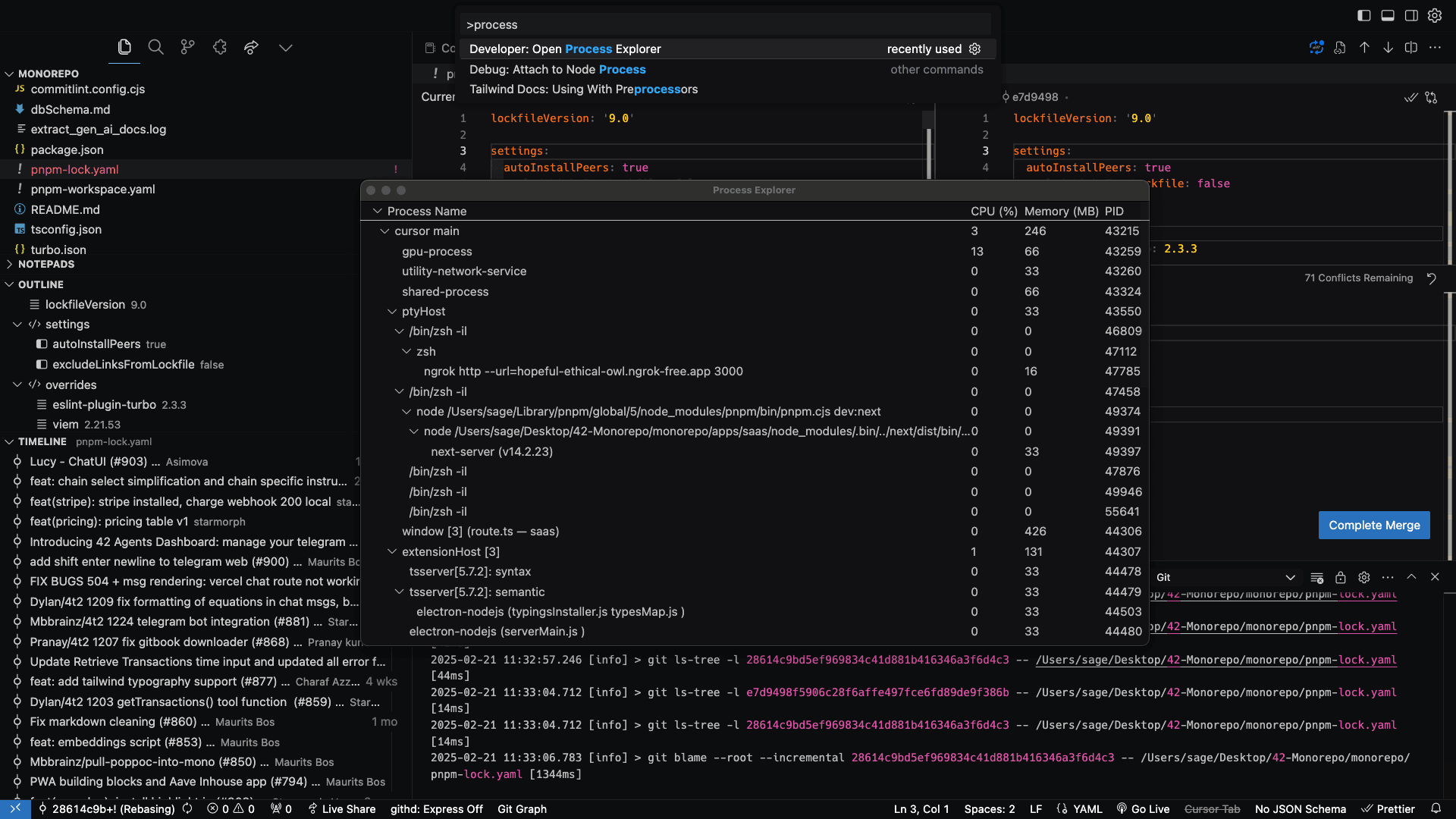
This gallery is closer to product and engineering proof than travel photography. The screenshots show the tools and interfaces behind daily software work: editors, terminal workflows, local AI, graph visualizations, and practice utilities.

Keeping these images indexed helps connect visual searches around developer tools back to the technical writing and project work on the site.

Related context: software projects and MermaidEditor build notes.
Simplified LangGraph visualization
Simplified Langgraph Visualization
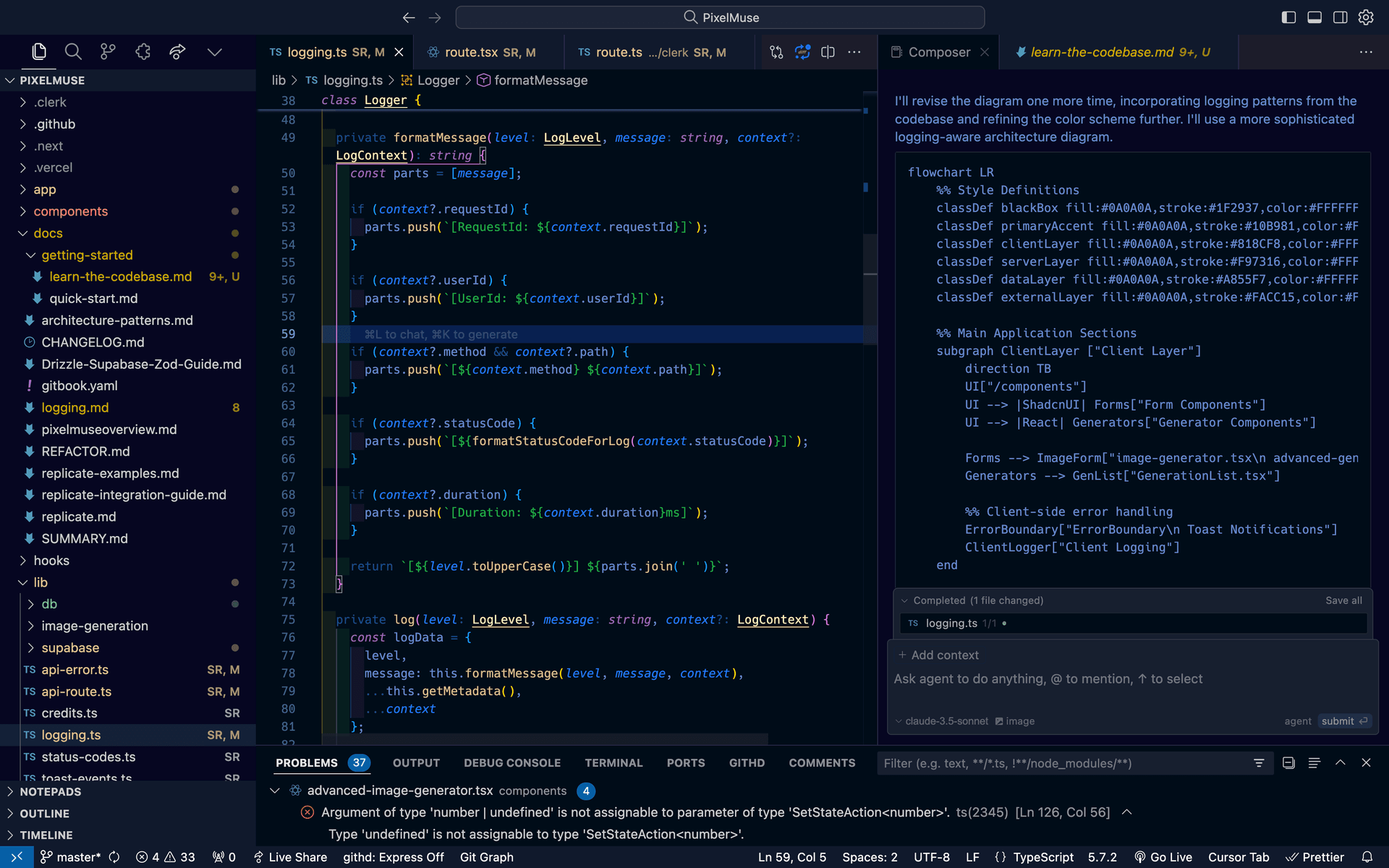
Cursor editor with AI assistance and dark theme
Cursor Editor with Ai Assistance and Dark Theme
IDE with blue theme
Ide with Blue Theme
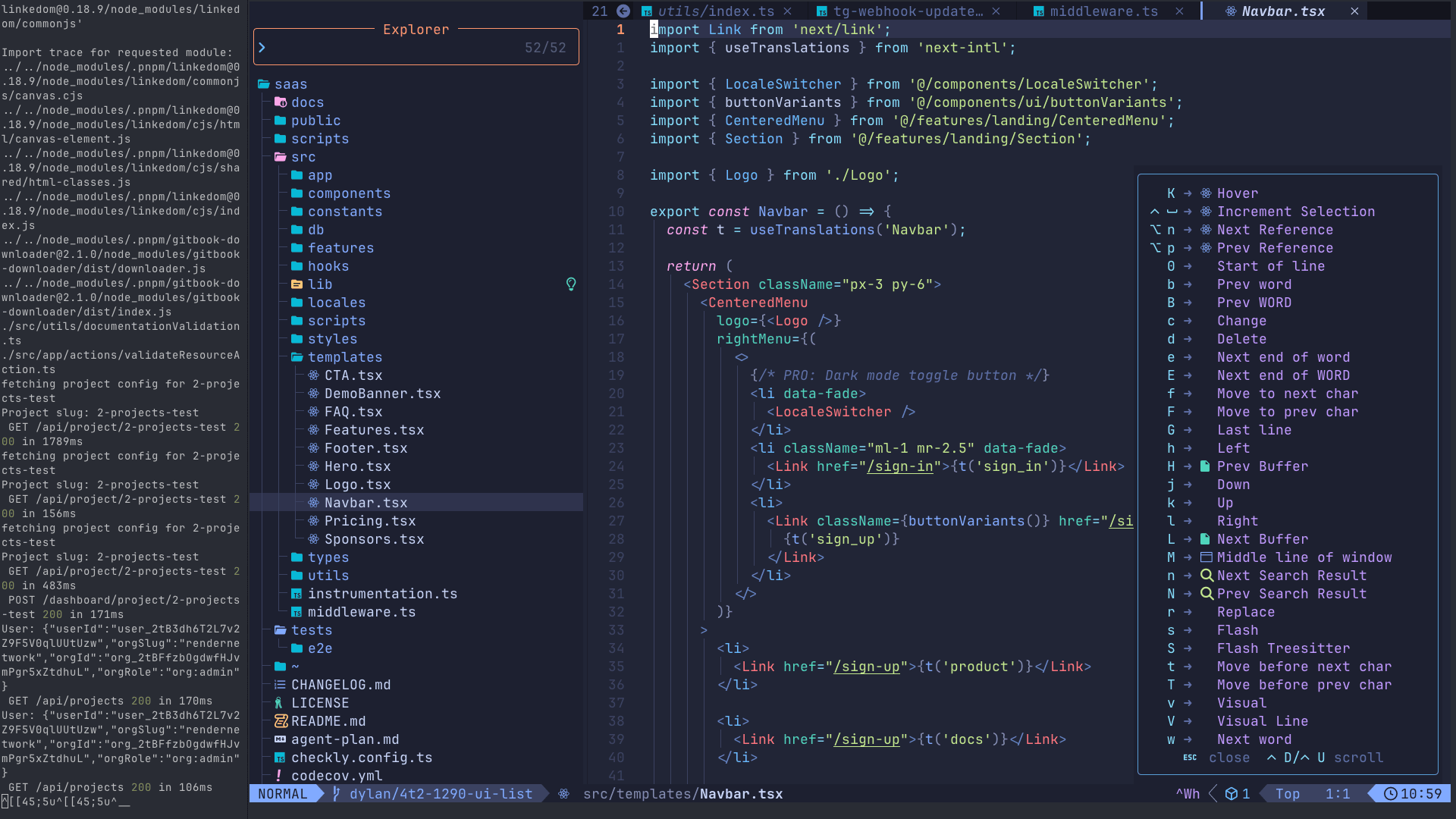
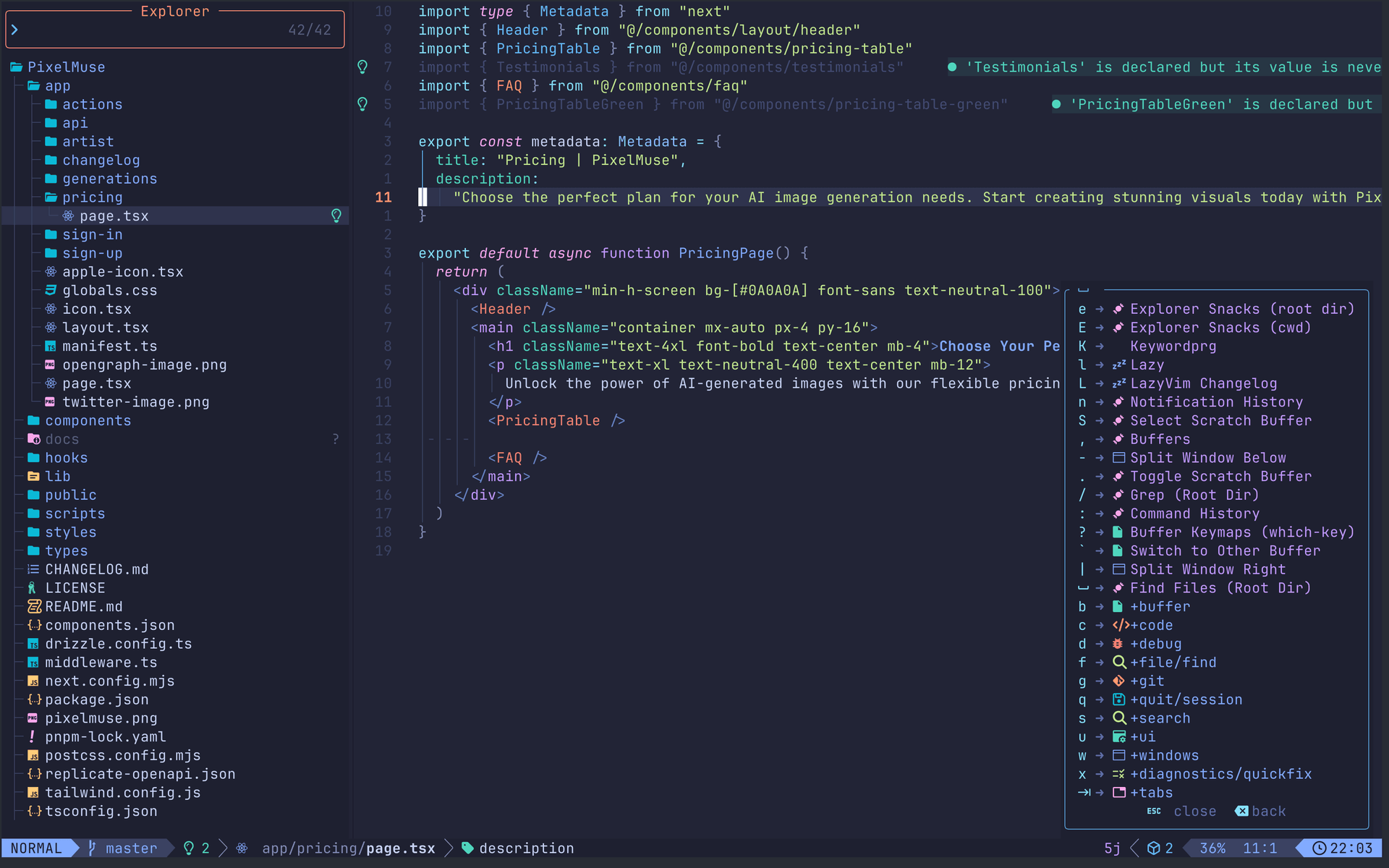
Neovim editor with custom configuration
Neovim Editor with Custom Configuration
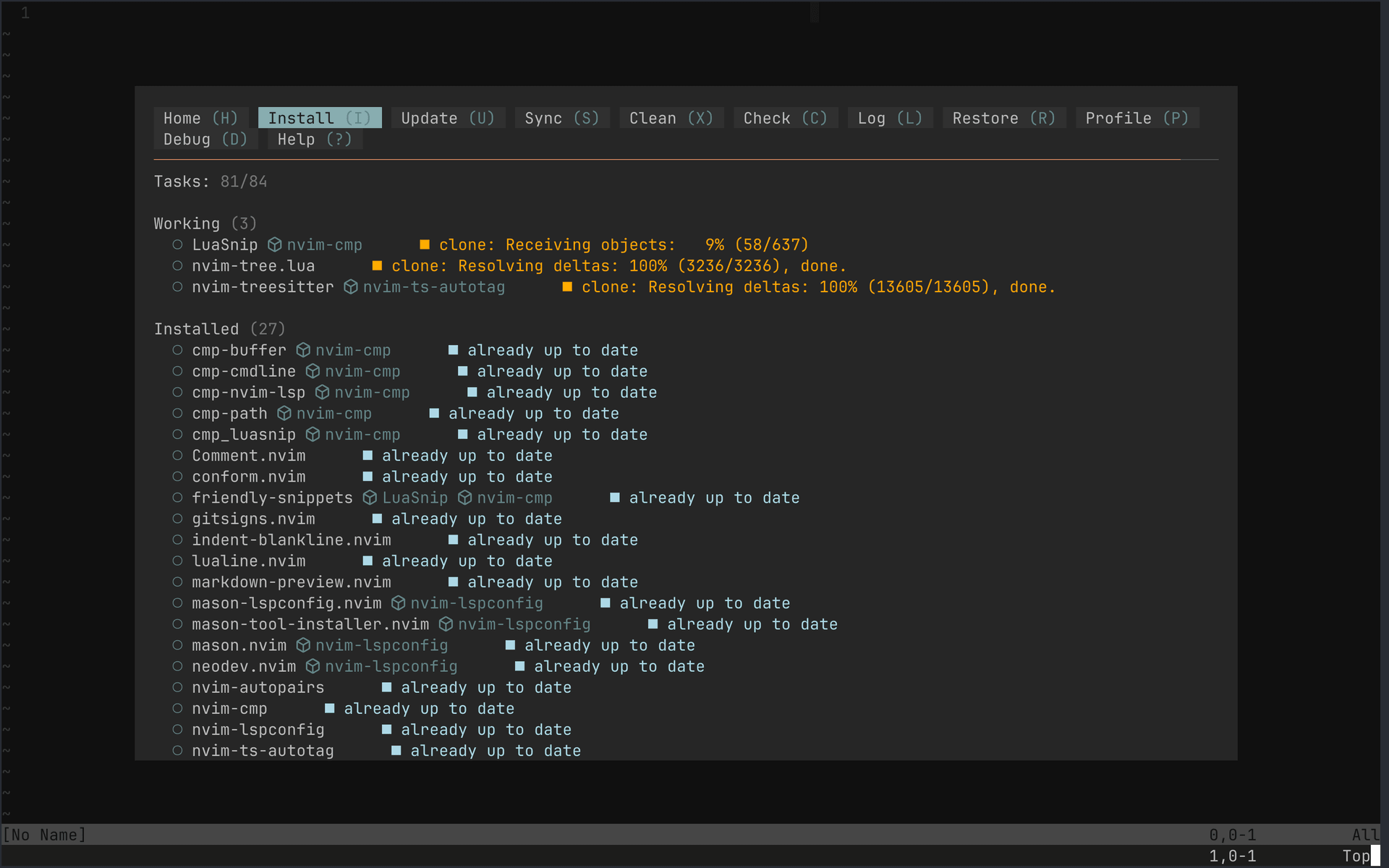
Another Neovim configuration
Another Neovim Configuration
Neovim screen with code
Neovim Screen with Code
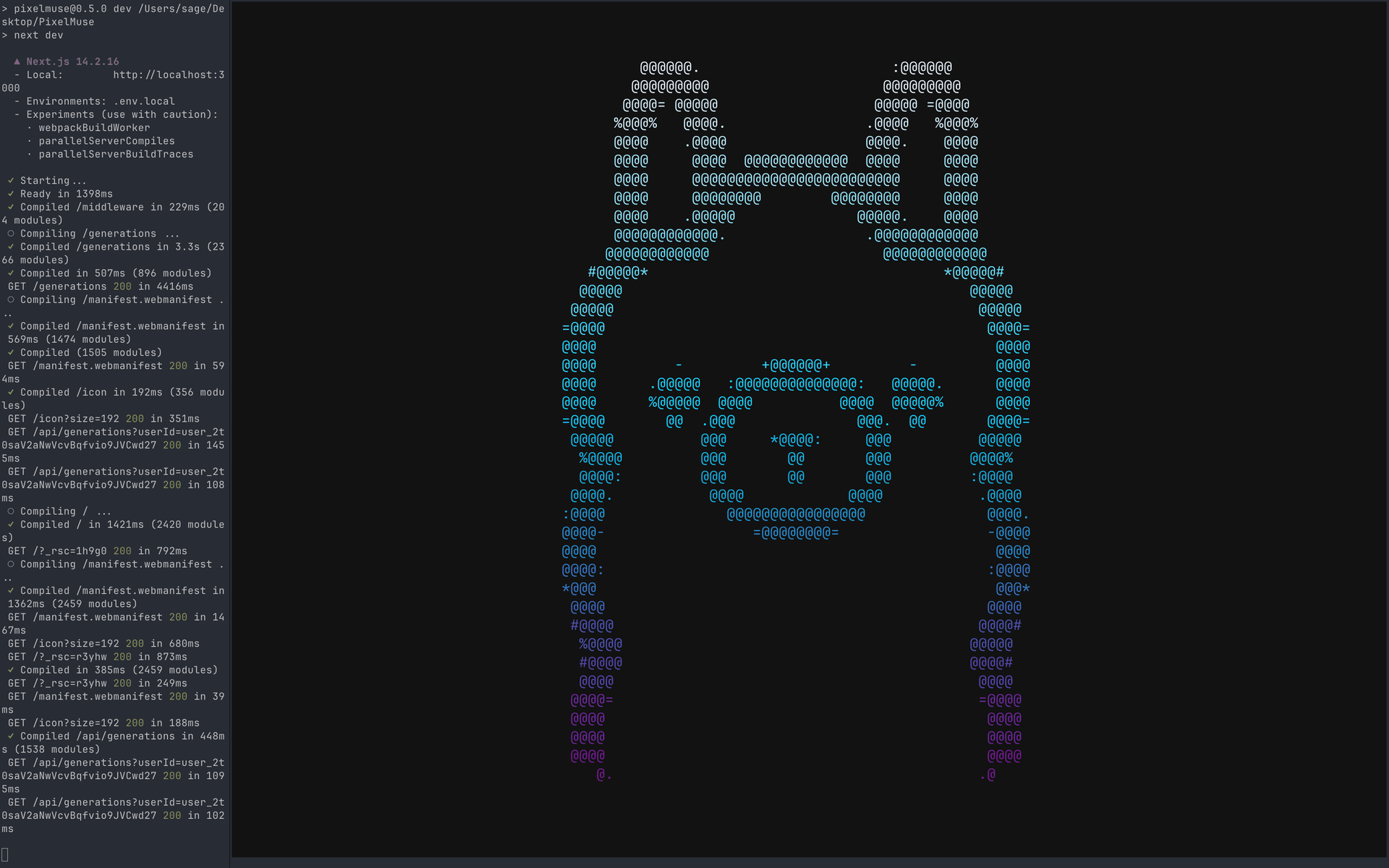
Terminal development environment
Terminal Development Environment
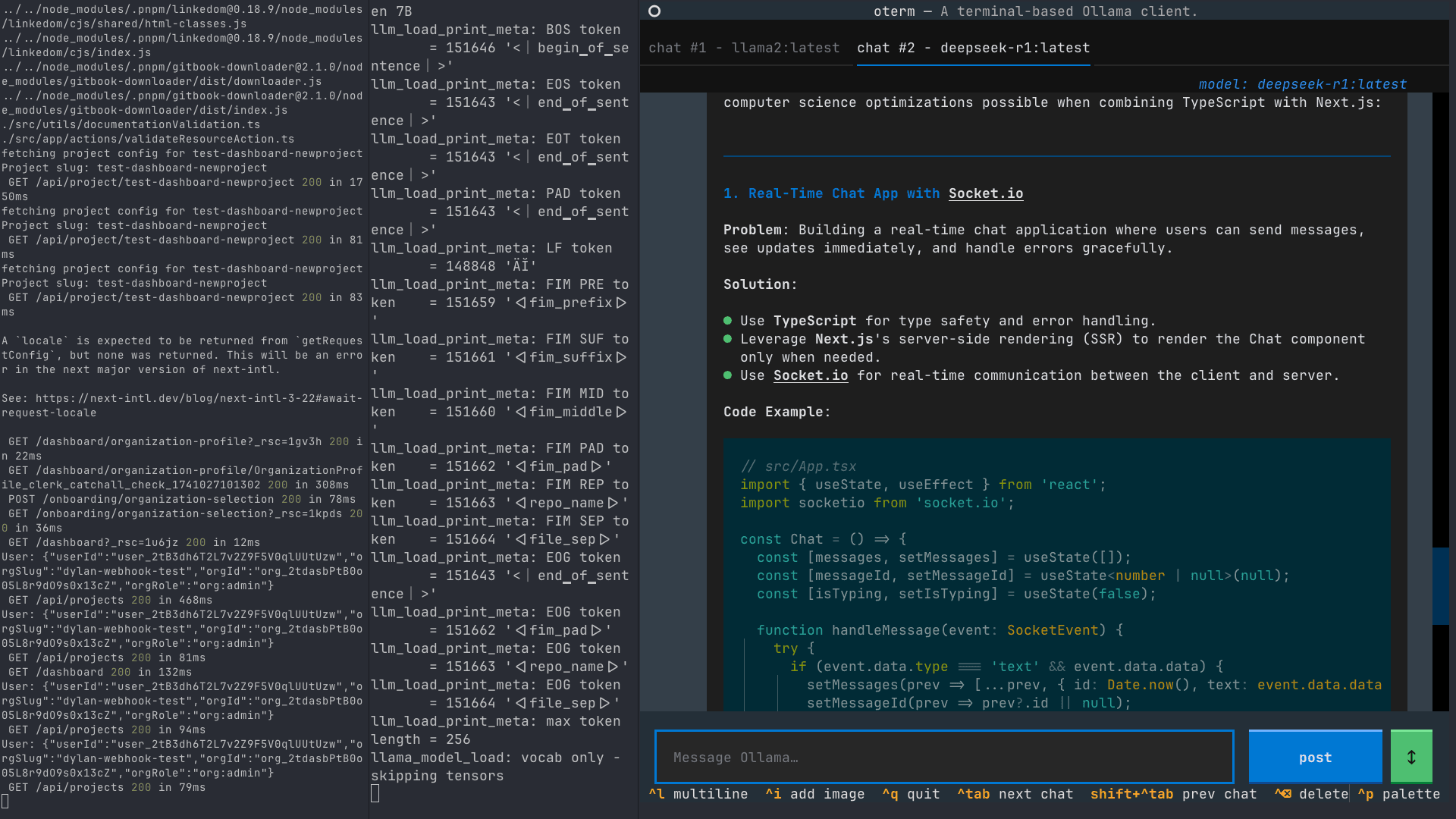
Terminal with Ollama AI running
Terminal with Ollama Ai Running
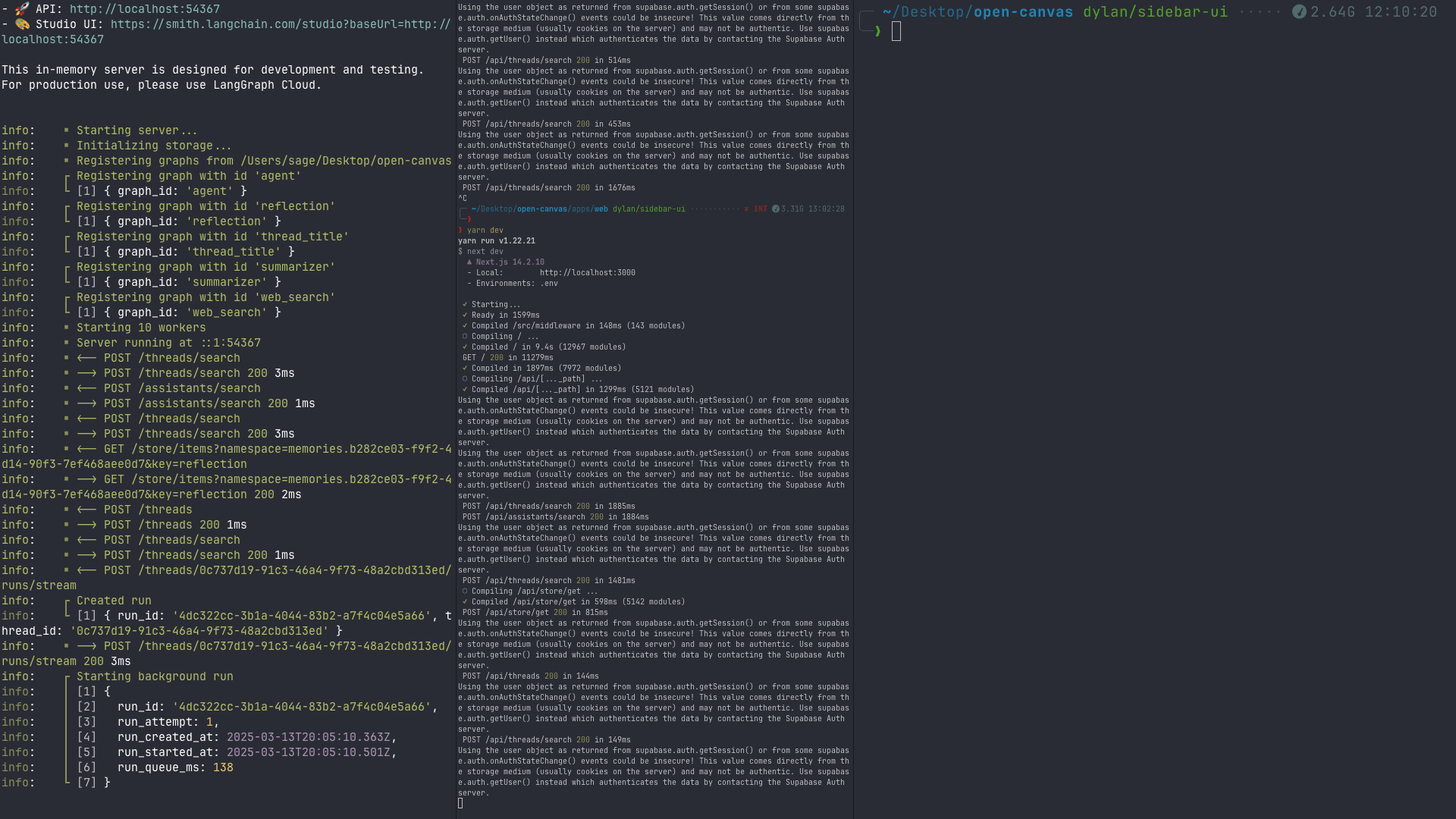
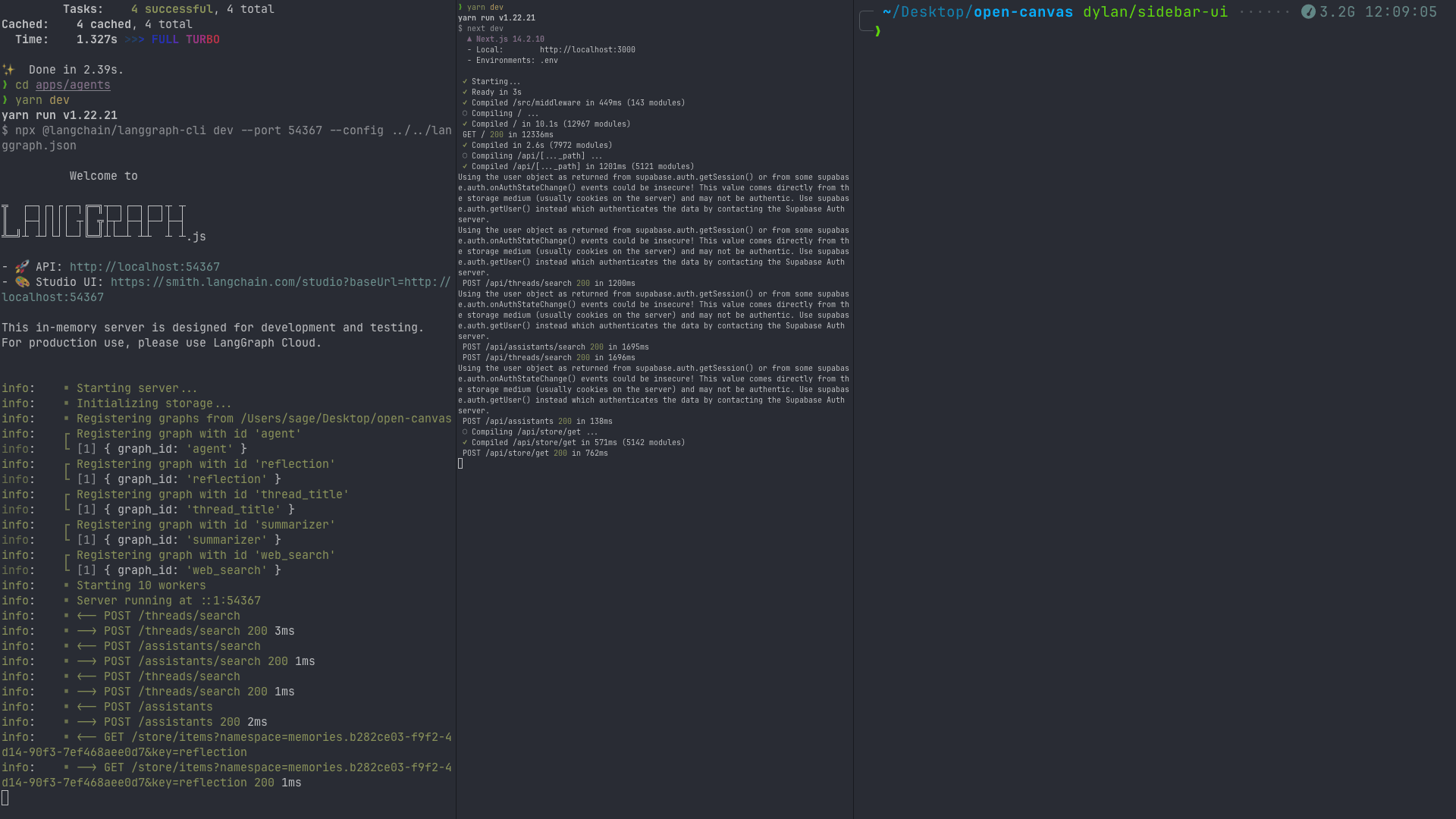
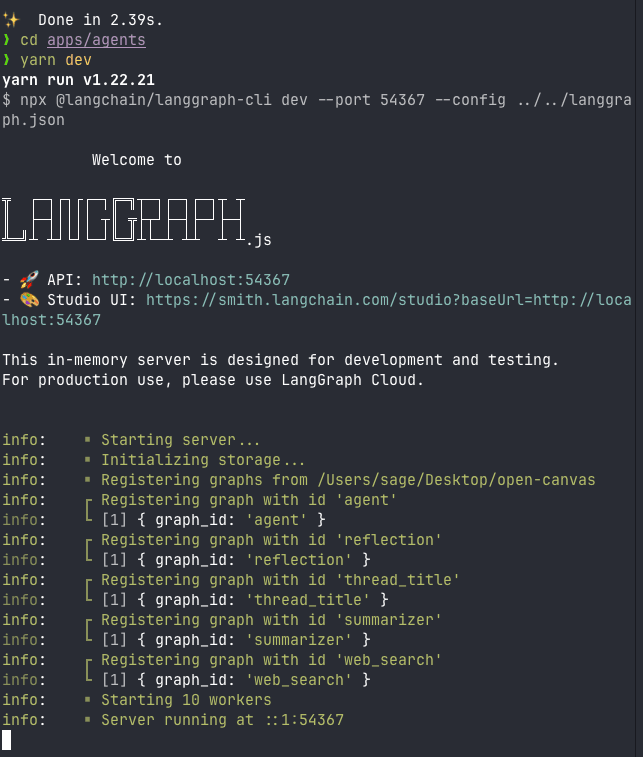
LangGraph development environment
Langgraph Development Environment
LangGraph with JSON data
Langgraph with Json Data
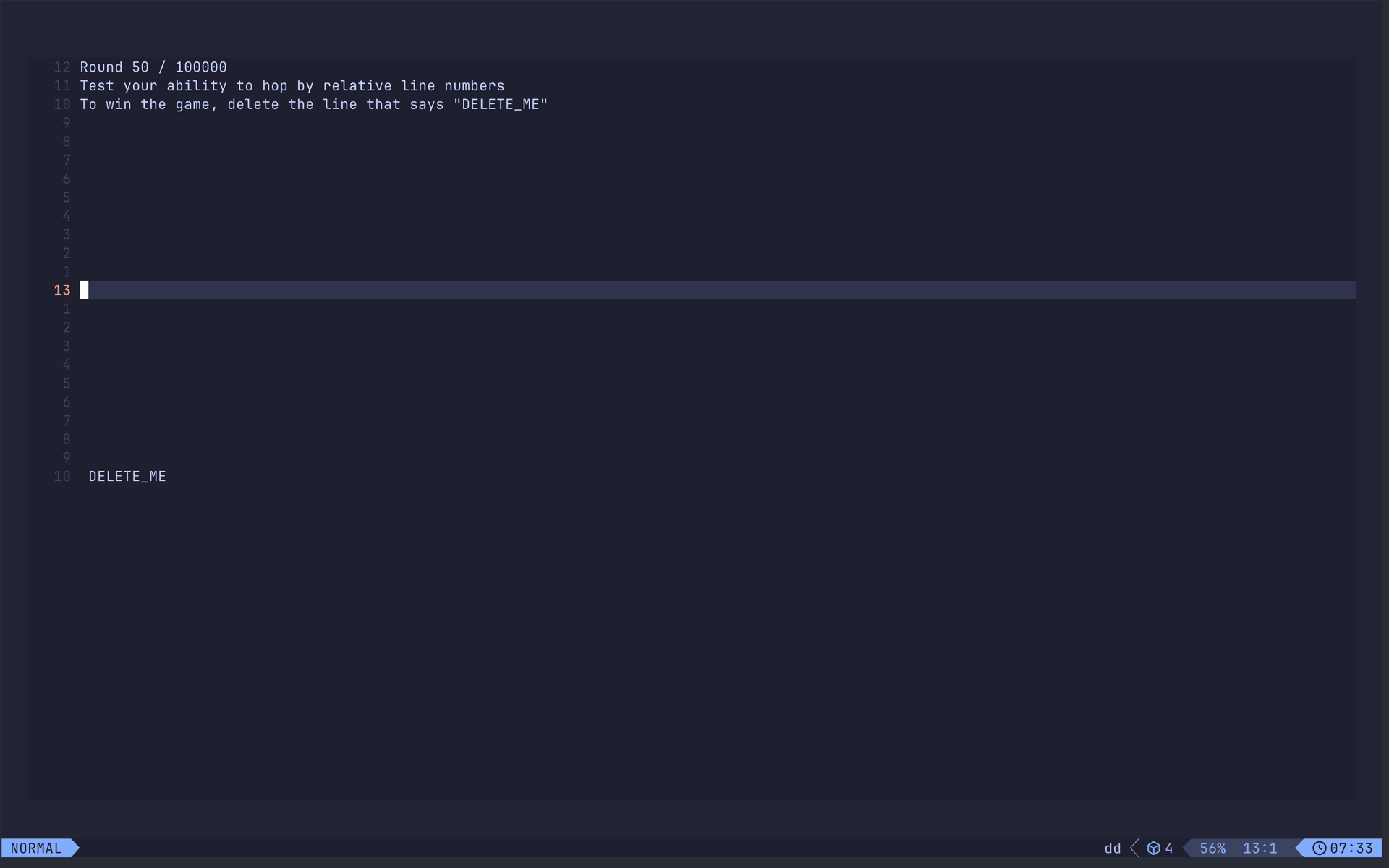
Vim Be Good practice tool at 50% level
Vim Be Good Practice Tool at 50% Level
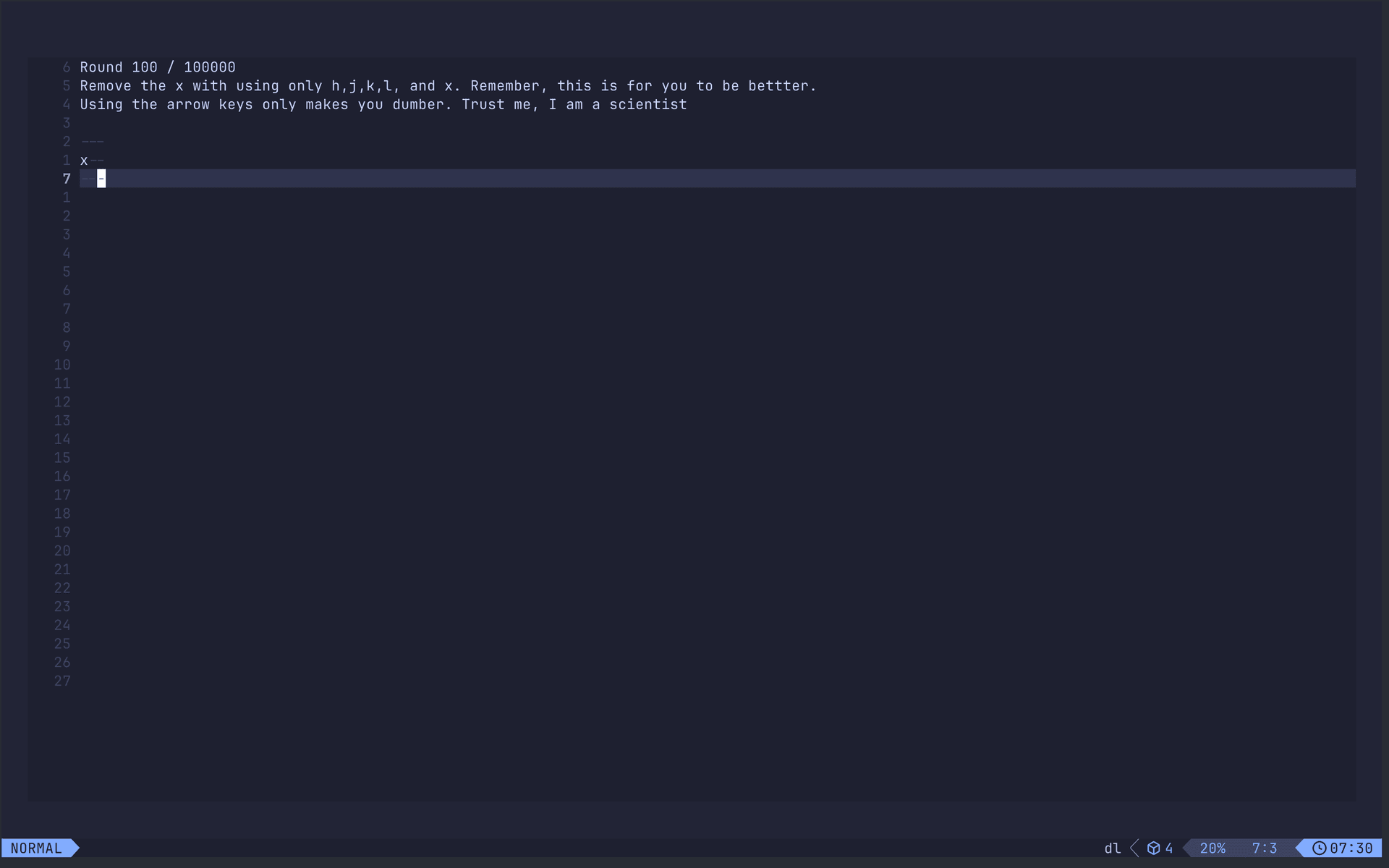
Vim Be Good practice tool at 100% level
Vim Be Good Practice Tool at 100% Level
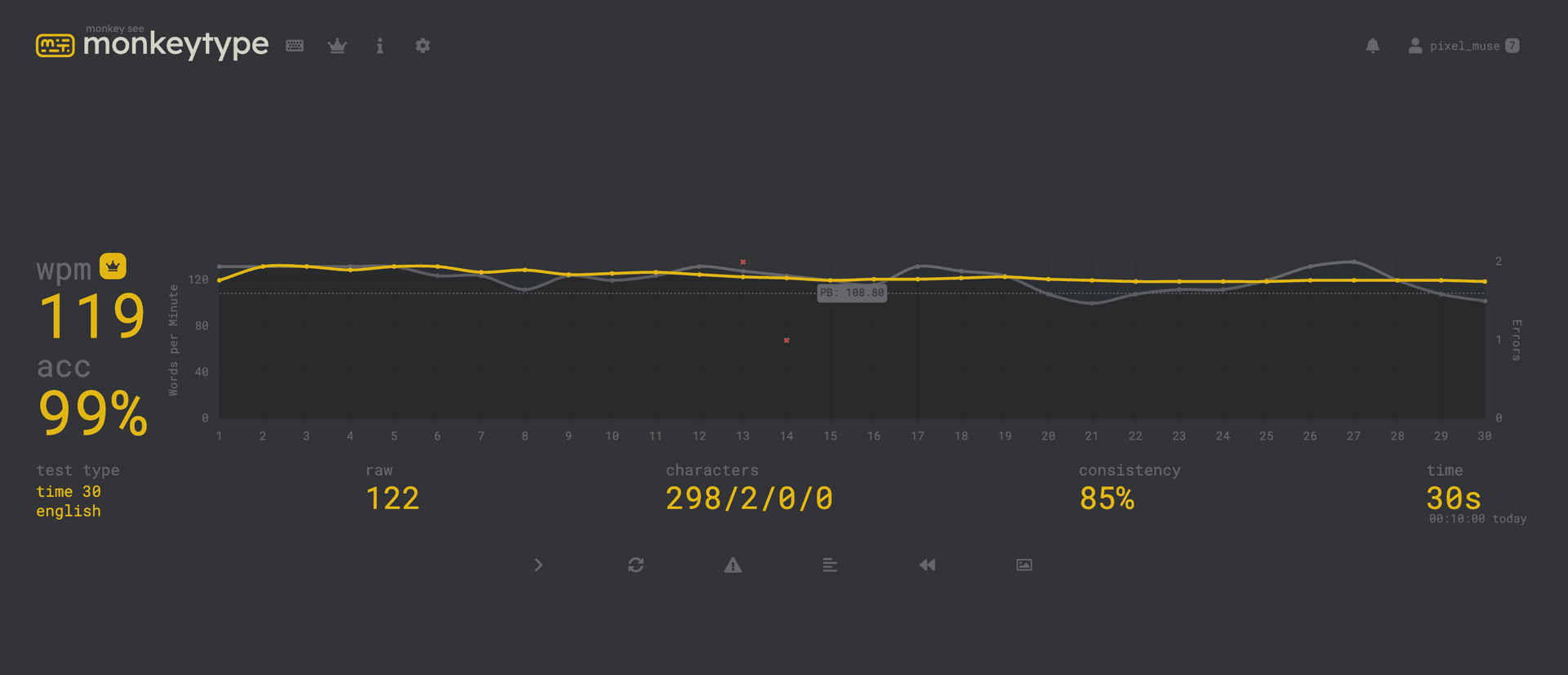
Typing speed test showing 119 WPM
Typing Speed Test Showing 119 Wpm